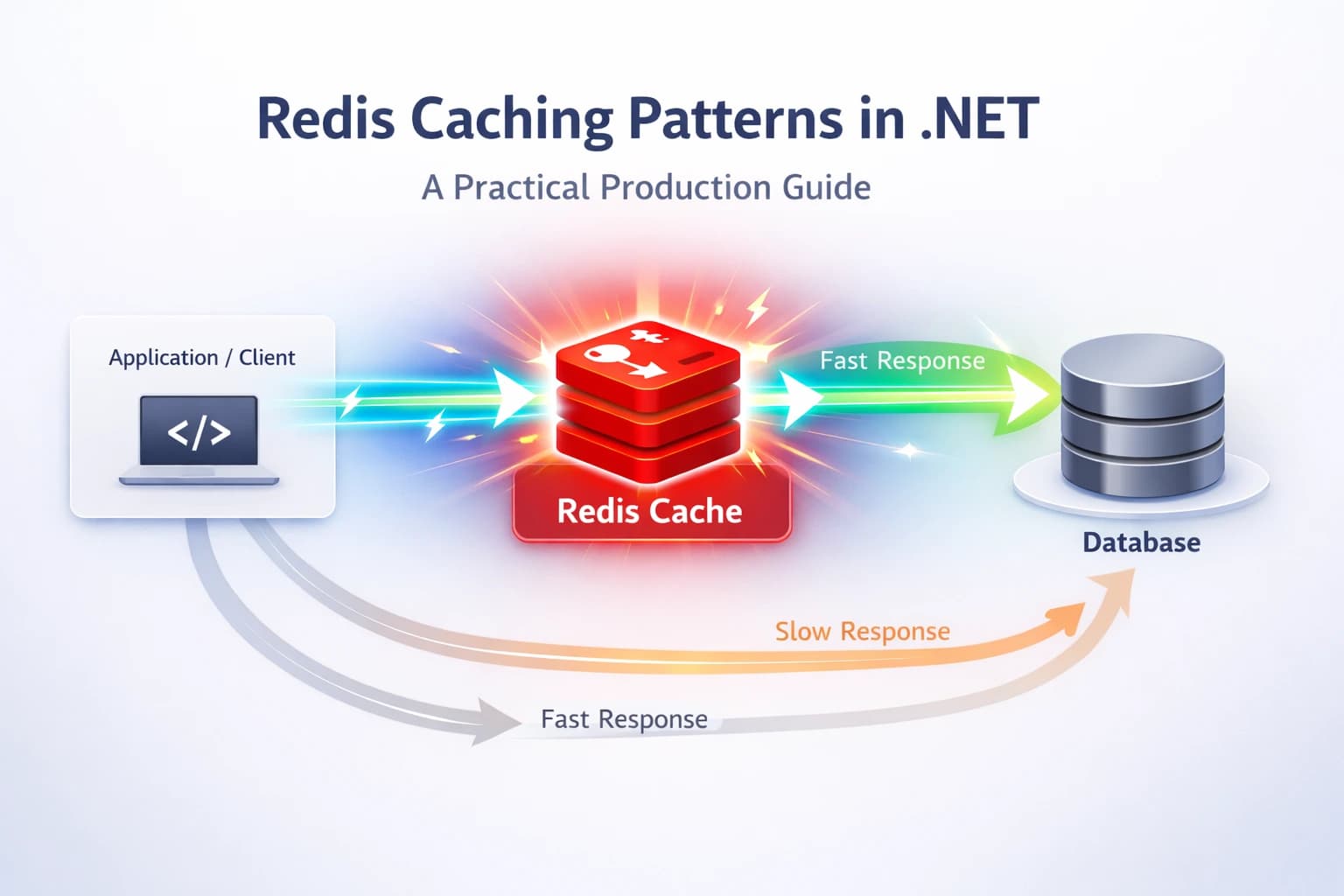
Redis Caching Patterns in .NET: A Production Guide
Slow API? Nine times out of ten, the database is the culprit. I've been in that situation more times than I'd like to admit — queries that looked fine in staging start crawling once real traffic hits, and suddenly you're staring at a p99 latency graph that makes your stomach drop.
Redis caching in .NET is one of the highest-leverage fixes you can apply. A well-placed cache can drop response times from hundreds of milliseconds to single digits. But "just throw Redis at it" is not a strategy — pick the wrong pattern, and you end up with stale data, cache stampedes, or a cache that's harder to maintain than the database it's supposed to protect.
In this guide I'll walk you through the patterns I actually use in production: Cache-Aside, Write-Through, and a few battle-tested tricks around eviction, serialization, and avoiding the classic pitfalls. Code samples are real — lifted from projects I've shipped.
Why Redis? And Why Not Just In-Memory Cache?
Before jumping to patterns, let me explain why I reach for Redis instead of IMemoryCache in most production scenarios.
IMemoryCache is great for single-instance apps or small workloads. The moment you have two or more instances behind a load balancer, each instance has its own memory cache. One request hits instance A, warms its cache; the next request hits instance B — cold miss, database hit. You haven't solved anything.
Redis is a shared, distributed cache. All your app instances talk to the same Redis node (or cluster), so a cache warm on any instance benefits all of them. It also survives app restarts, which in-memory cache doesn't.
The Redis documentation covers a range of patterns, and Microsoft's distributed caching guidance explains how ASP.NET Core abstracts it nicely via IDistributedCache. I'll use both throughout this post.
Setting Up Redis in ASP.NET Core
Install the NuGet package
dotnet add package Microsoft.Extensions.Caching.StackExchangeRedis
Register in Program.cs
builder.Services.AddStackExchangeRedisCache(options =>
{
    options.Configuration = builder.Configuration.GetConnectionString("Redis");
    options.InstanceName = "myapp:"; // key prefix to avoid collisions
});
That's it for basic setup. IDistributedCache is now available via DI.
Or use StackExchange.Redis directly
For more control — pipelines, Lua scripts, pub/sub — I register the IConnectionMultiplexer directly:
builder.Services.AddSingleton<IConnectionMultiplexer>(
    ConnectionMultiplexer.Connect(builder.Configuration.GetConnectionString("Redis")!));
StackExchange.Redis is the go-to library maintained by the Stack Overflow team. It's battle-hardened and supports everything you'd need.
The Cache-Aside Pattern (Lazy Loading)
This is the pattern I use most. It's simple, explicit, and gives you full control.
How it works:
- Check the cache for the key.
- On a hit, return it.
- On a miss, load from the database, write to cache, return.
public class ProductService
{
    private readonly IDistributedCache _cache;
    private readonly AppDbContext _db;
    private static readonly JsonSerializerOptions _json = new(JsonSerializerDefaults.Web);

    public ProductService(IDistributedCache cache, AppDbContext db)
    {
        _cache = cache;
        _db = db;
    }

    public async Task<Product?> GetProductAsync(int id, CancellationToken ct = default)
    {
        var cacheKey = $"product:{id}";

        // 1. Try cache
        var cached = await _cache.GetStringAsync(cacheKey, ct);
        if (cached is not null)
            return JsonSerializer.Deserialize<Product>(cached, _json);

        // 2. Miss — hit the database
        var product = await _db.Products.FindAsync(new object[] { id }, ct);
        if (product is null) return null;

        // 3. Write back to cache with TTL
        var options = new DistributedCacheEntryOptions
        {
            AbsoluteExpirationRelativeToNow = TimeSpan.FromMinutes(10)
        };
        await _cache.SetStringAsync(cacheKey, JsonSerializer.Serialize(product, _json), options, ct);

        return product;
    }
}
When to use Cache-Aside
- Read-heavy workloads where most reads hit the same small set of data.
- When the data changes infrequently enough that a 5–15 minute TTL is acceptable.
- When you want the cache to only hold what's actually requested (no wasted memory).
The gotcha: stale data on update
Cache-Aside is lazy — it doesn't automatically invalidate when the underlying data changes. You need to explicitly delete (or update) the cache key whenever you write to the database:
public async Task UpdateProductAsync(Product product, CancellationToken ct = default)
{
    _db.Products.Update(product);
    await _db.SaveChangesAsync(ct);

    // Invalidate cache
    await _cache.RemoveAsync($"product:{product.Id}", ct);
}
Simple. Don't forget this step — I've been burned by it before.
The Write-Through Pattern
Write-Through flips the responsibility: every write goes to the cache and the database together, keeping them in sync automatically.
public async Task CreateProductAsync(Product product, CancellationToken ct = default)
{
    _db.Products.Add(product);
    await _db.SaveChangesAsync(ct);

    // Write to cache immediately after DB write
    var cacheKey = $"product:{product.Id}";
    var options = new DistributedCacheEntryOptions
    {
        AbsoluteExpirationRelativeToNow = TimeSpan.FromMinutes(30)
    };
    await _cache.SetStringAsync(cacheKey, JsonSerializer.Serialize(product, _json), options, ct);
}
When to use Write-Through
- When you can tolerate the extra write latency (every write hits both cache and DB).
- When read-after-write consistency is critical and you want fresh data immediately.
- Paired with Cache-Aside for reads — this is actually a hybrid I use quite often.
The downside: you cache data that might never be read again (write-heavy endpoints). For those, Cache-Aside alone is leaner.
Dealing With Cache Stampede
Here's a scenario I hit in a high-traffic project: a cached item expires. Simultaneously, 500 requests arrive, all miss the cache, all query the database at once. The database gets hammered. The app slows down. Ironically, removing the cache would have been less harmful.
This is a cache stampede (or thundering herd).
Solution 1: Probabilistic early expiration
Instead of a hard TTL, start refreshing the cache slightly before it expires, based on a random probability:
// Pseudo-code — check if within "danger window" before actual expiry
var remainingTtl = await GetRemainingTtlAsync(cacheKey);
var shouldRefresh = remainingTtl < TimeSpan.FromSeconds(30) && Random.Shared.NextDouble() < 0.1;
Solution 2: Distributed lock on cache miss
Use RedLock.net to ensure only one process refreshes the cache:
await using var redLock = await _redLockFactory.CreateLockAsync(
    $"lock:product:{id}", TimeSpan.FromSeconds(5));

if (redLock.IsAcquired)
{
    // Only one instance gets here — refresh cache
    var product = await _db.Products.FindAsync(id, ct);
    await _cache.SetStringAsync(cacheKey, JsonSerializer.Serialize(product), options, ct);
}
else
{
    // Another instance is refreshing — wait briefly and retry
    await Task.Delay(100, ct);
    return await GetProductAsync(id, ct);
}
It adds some complexity, but for critical hot paths it's worth it.
Production Best Practices
These are the lessons I wish I'd known earlier:
Always set a TTL
Never let a key live forever. Data drifts, memory fills, and stale cache entries accumulate. I default to something conservative like 5–15 minutes for most entities, and longer (hours) only for truly static reference data.
Namespace your keys
Use consistent prefixes like product:123, user:456:profile, catalog:featured. It makes debugging with Redis CLI much easier and prevents key collisions across services sharing the same Redis instance.
Don't cache everything
Cache what's expensive to produce and frequently read — products, user profiles, computed aggregates. Don't cache things that are cheap to compute, rarely read, or change with every request.
Serialize carefully
I prefer System.Text.Json for speed and size. If you're caching complex graphs, watch out for circular references and large payloads. A 5MB cached object is not helping anyone. Consider projecting to a slim DTO before caching:
var dto = new ProductCacheDto
{
    Id = product.Id,
    Name = product.Name,
    Price = product.Price
};
await _cache.SetStringAsync(cacheKey, JsonSerializer.Serialize(dto), options, ct);
Monitor hit rate
A cache hit rate below ~70% often means you're caching the wrong things, or your TTL is too short. Redis exposes this via INFO stats (keyspace_hits / keyspace_misses). Wire it into your observability stack — Datadog and Prometheus with Redis Exporter both work well.
Handle Redis outages gracefully
Redis going down shouldn't bring down your app. Wrap cache operations in try-catch and fall back to the database:
try
{
    var cached = await _cache.GetStringAsync(cacheKey, ct);
    if (cached is not null)
        return JsonSerializer.Deserialize<Product>(cached, _json);
}
catch (Exception ex)
{
    _logger.LogWarning(ex, "Redis unavailable, falling back to database");
}

// Always fall through to DB on cache failure
return await _db.Products.FindAsync(id, ct);
This pattern has saved me during a Redis failover that I did not plan for. Your users never noticed.
Key Takeaways
- Cache-Aside is your default — check cache → miss → load DB → write to cache. Explicit and maintainable.
- Write-Through pairs well with Cache-Aside for write-heavy, read-consistent scenarios.
- Always invalidate on write — the most common bug in cache implementations is forgetting to delete the stale key.
- Set a TTL on every key — no exceptions. Even reference data should expire eventually.
- Namespace your keys with consistent prefixes. You'll thank yourself during debugging.
- Protect against cache stampede on high-traffic endpoints with a distributed lock or probabilistic refresh.
- Wrap Redis calls in try-catch — treat Redis as a performance optimization, not a dependency. Fallback to DB.
- Monitor hit rate — a healthy cache sits above 70–80% hit rate. Below that, revisit your strategy.
Conclusion
Redis caching isn't magic, but it's pretty close when applied correctly. The patterns I've covered here — Cache-Aside, Write-Through, stampede prevention, and graceful fallback — are the ones I keep reaching for across real production systems.
The most important mindset shift is this: Redis is an optimization, not a source of truth. Design your caching layer to fail gracefully, invalidate eagerly, and monitor obsessively.
If this helped you think differently about caching in your .NET apps, drop a comment below or share it with a colleague who's still hitting the DB on every request. And check out more backend deep-dives on steve-bang.com.
FAQ
Q: What is the best Redis caching pattern for .NET applications?
A: The Cache-Aside pattern is the most practical choice for most .NET apps. It's lazy (only caches what's requested), easy to understand, and works cleanly with IDistributedCache or StackExchange.Redis. Pair it with explicit cache invalidation on writes and you're in good shape.
Q: How do I connect Redis in ASP.NET Core?
A: Install Microsoft.Extensions.Caching.StackExchangeRedis, then call builder.Services.AddStackExchangeRedisCache() in Program.cs with your Redis connection string. IDistributedCache is then available for injection in any service or controller.
Q: How do I avoid cache stampede in .NET? A: Use a distributed lock (like RedLock.net) around the cache-miss code path so only one process refreshes the cache at a time. Others either wait briefly and retry, or you return a slightly stale value using background refresh. Both approaches work — pick based on your consistency tolerance.
Q: What should I never store in Redis? A: Avoid large binary blobs, frequently mutating objects you'd need to keep perfectly consistent, and unencrypted sensitive data. Redis is not a primary database — it's a fast, ephemeral layer. If losing the cache would corrupt your system state, you're using it wrong.
Q: How do I set TTL for cached items in .NET?
A: With IDistributedCache, pass DistributedCacheEntryOptions with AbsoluteExpirationRelativeToNow or SlidingExpiration. With StackExchange.Redis directly, use the expiry parameter in StringSetAsync(). Rule of thumb: always set a TTL — never let keys live forever.
Related Resources
- CancellationToken in .NET: Best Practices to Prevent Wasted Work — Learn how to cancel expensive database and HTTP calls cleanly, which pairs perfectly with any caching strategy.
- Race Condition: The Silent Bug That Breaks Production Systems — Cache invalidation under concurrent writes is a classic race condition. This post explains the underlying mechanics.
- Idempotency Failures: Why Your API Breaks Under Retry — If you're using Redis as an idempotency key store, this post is essential reading.
- Top 10 Mistakes Every Developer Should Avoid While Using Entity Framework — Caching is often the fix for EF Core query performance issues. See which mistakes make caching necessary in the first place.